Digital business Card
Harbor Grove Cafe
Neighborhood cafe · open daily
Tap or scan to open
Source confirmedOwner approvedBrand asset approvedPreview — not public
SaveAskDirections
TapConnect
Powered by Tap The Magic
Powered by Tap The Magic
TapConnect Studio is the operating system that creates, connects, keeps, operates, and proves the relationship around that Card.
Studio capabilities vary by plan. You do not rebuild the Card when you add Studio.
Studio Assembly idle.
Digital business Card
Neighborhood cafe · open daily
Tap or scan to open
After the cinematic opening, the same Assembly settles above as the interactive product map. This companion diagram is for study: Card central, zone-colored icons, Integrations outward, Trust Fabric beneath.
The Card
TapConnect
One Card. Studio capabilities assemble around it. Integrations extend outward. Trust Fabric supports beneath.
Select a capability to see how it supports the Card. One focused explanation at a time — not a feature-grid wall.
Card · Works now
A living vertical business Card — identity, actions, TapSave, and Spotlight in one relationship hub.
Card relationship: The Card is the center of the TapConnect universe. Every other capability exists to create, connect, keep, operate, or prove this relationship.
Why it matters: One stable place customers recognize and return to — complete and useful on its own, never a crippled trial of Studio.
Plan availability placeholder: tapconnect core — not entitlement enforcement.
Select a feature for a focused explanation.
Five operating ideas in ordinary language — the system around one Card.
01
Brand, content, and structure that make a living relationship hub — useful before Studio expands.
02
Tap Points and campaigns bring customers to the same Card without forcing an app download.
03
TapSave and return paths retain context so the next visit continues the same relationship.
04
Audience, communications, Autopilot, and service tools help you run the relationship day to day.
05
Insights and TapProof connect taps, actions, handoffs, and outcomes with honest evidence labels.
Card relationship
Card + Brand Kit — Brand creates the Card’s first impression so customers recognize you before Studio expands.
Brand
Assets — media & creative libraryThe Card is the living relationship hub. Brand Kit supplies the identity the Card already carries — logo, color, and language.
Card support: Brand creates the Card’s first impression so customers recognize you before Studio expands.
Benefit: Edit identity once and reuse it across Card and Campaign surfaces without rebuilding the hub.
Brand Kit and Card builder work locally. Live stock/logo providers may need credentials.
Explore Brand on the Card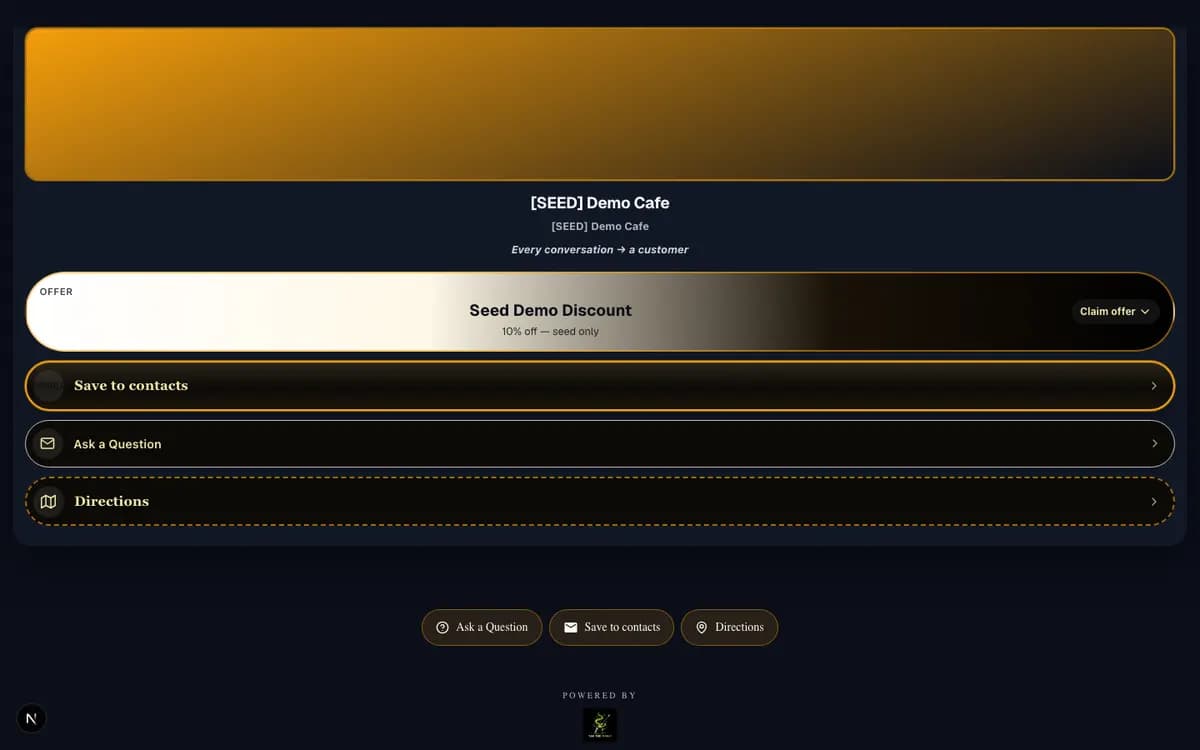
Assets
Assets is the media and creative library behind every surface the Card presents — logos, photos, and media in one governed place.
Card support: The Card and its campaigns draw imagery from Assets, so identity stays consistent everywhere the Card appears.
Benefit: Upload once and reuse across Card, Campaign, and Email surfaces instead of re-uploading per screen.
The library works locally. External storage providers need credentials before production media delivery.
Explore AssetsAsset library behind the Card's surfaces
No scrubbed Assets screenshot is captured yet — shown as an honest illustration rather than a staged fake.
Campaign
Tap Points wake the Card. Campaigns attach timely Spotlights without replacing the lasting relationship hub.
Card support: People connect to the same Card from physical and digital entry points; Campaigns emphasize what matters now.
Benefit: Change experiences without replacing hardware, and run seasonal activation on a stable Card.
Core Tap Point and Campaign paths work now. Advanced fleet spine continues to mature.
Explore Campaigns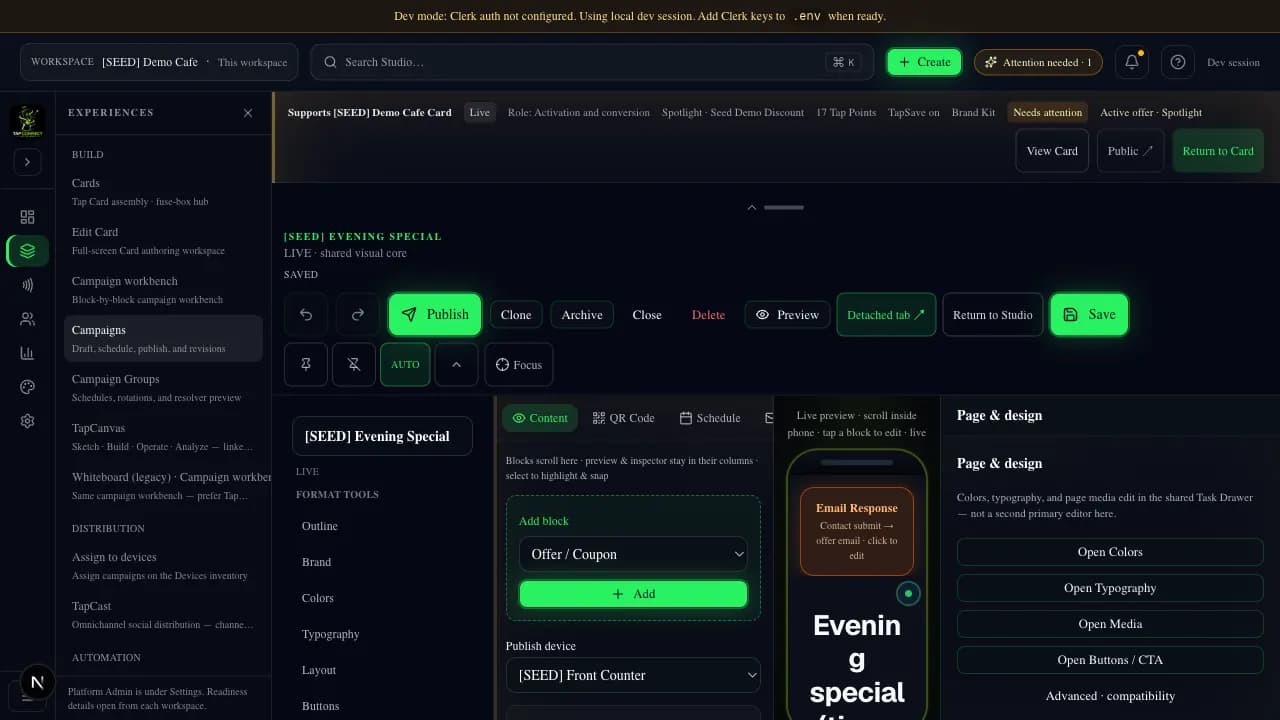
Audience
TapSave keeps a return path. Audience remembers consent-aware relationship context after the tap.
Card support: Keeping and remembering turns a single tap into an ongoing relationship around the Card.
Benefit: Customers come back without starting over; you operate from memory, not disposable leads alone.
Keep and leads work now. Wallet passes need provider setup. Inbox paths are local/test.
Explore Relationships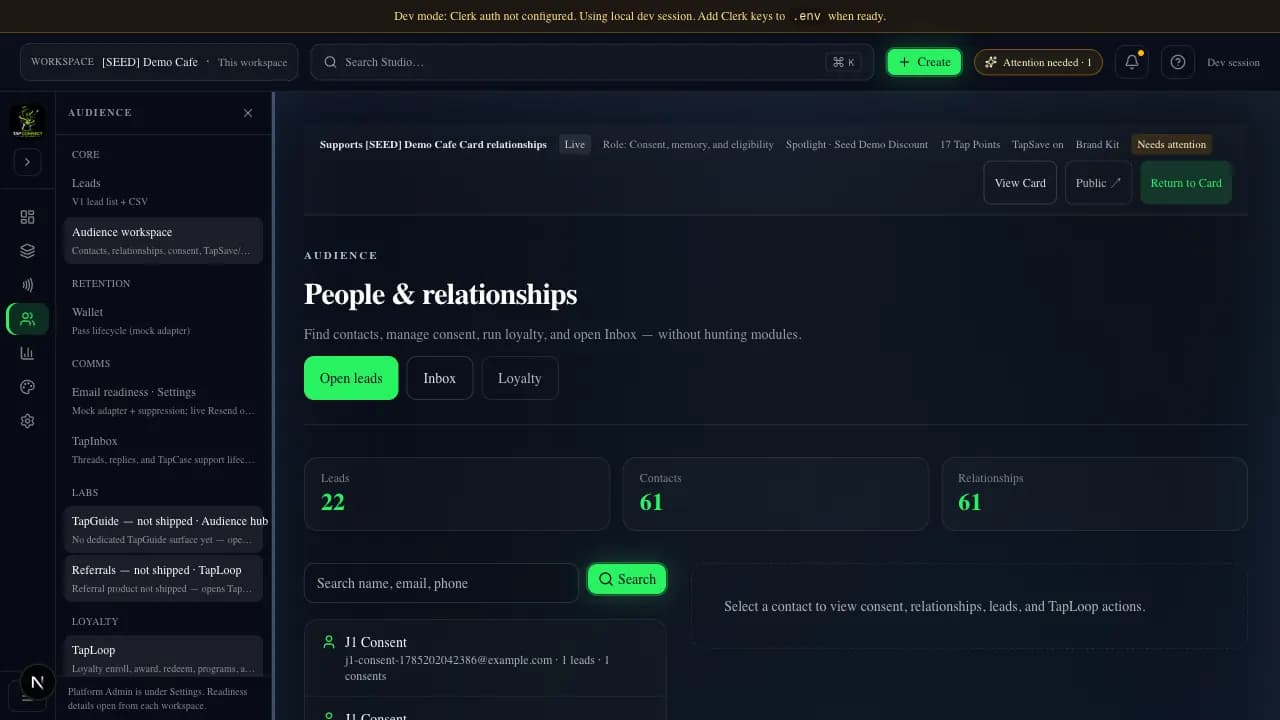
Prepared messages leave the Card ecosystem and can return with reply-routing context.
Card support: Communications extend the Card conversation instead of abandoning it for a disconnected mailbox.
Benefit: Follow up with branded email and prepare reply handling while the Card remains the hub.
Authoring works. Reply routing is durable locally — production send remains separately configured.
Explore Email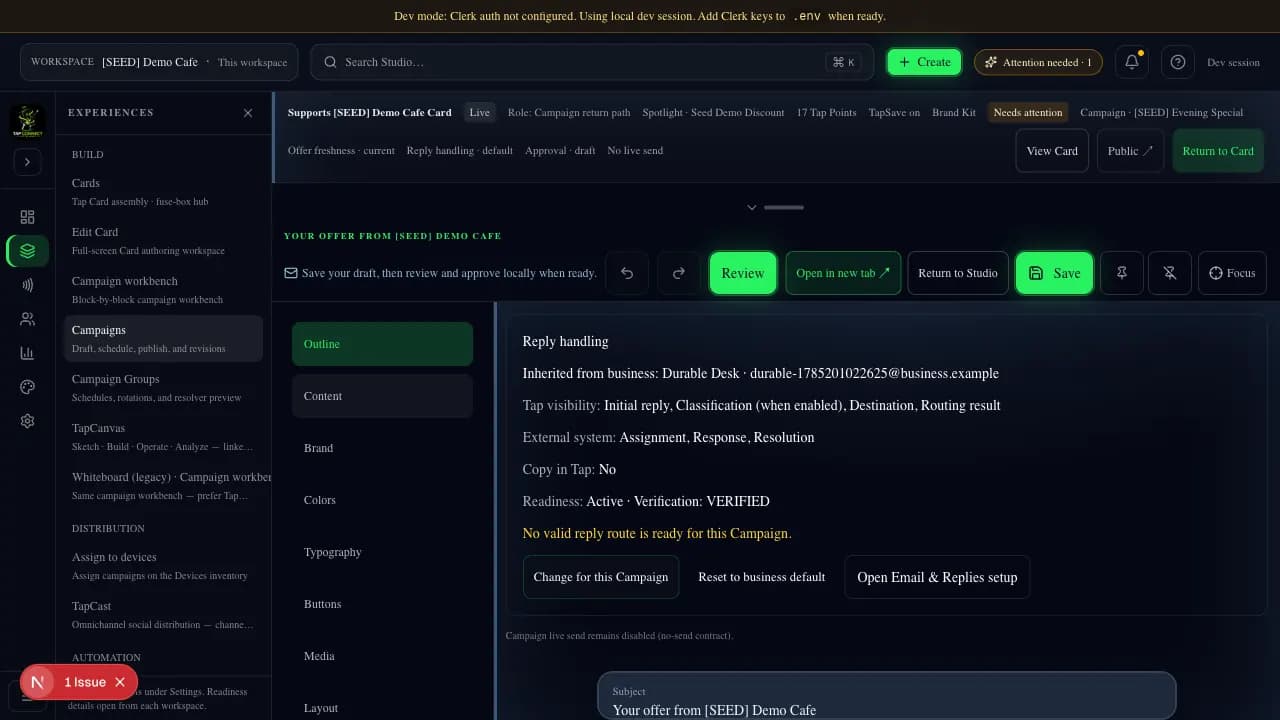
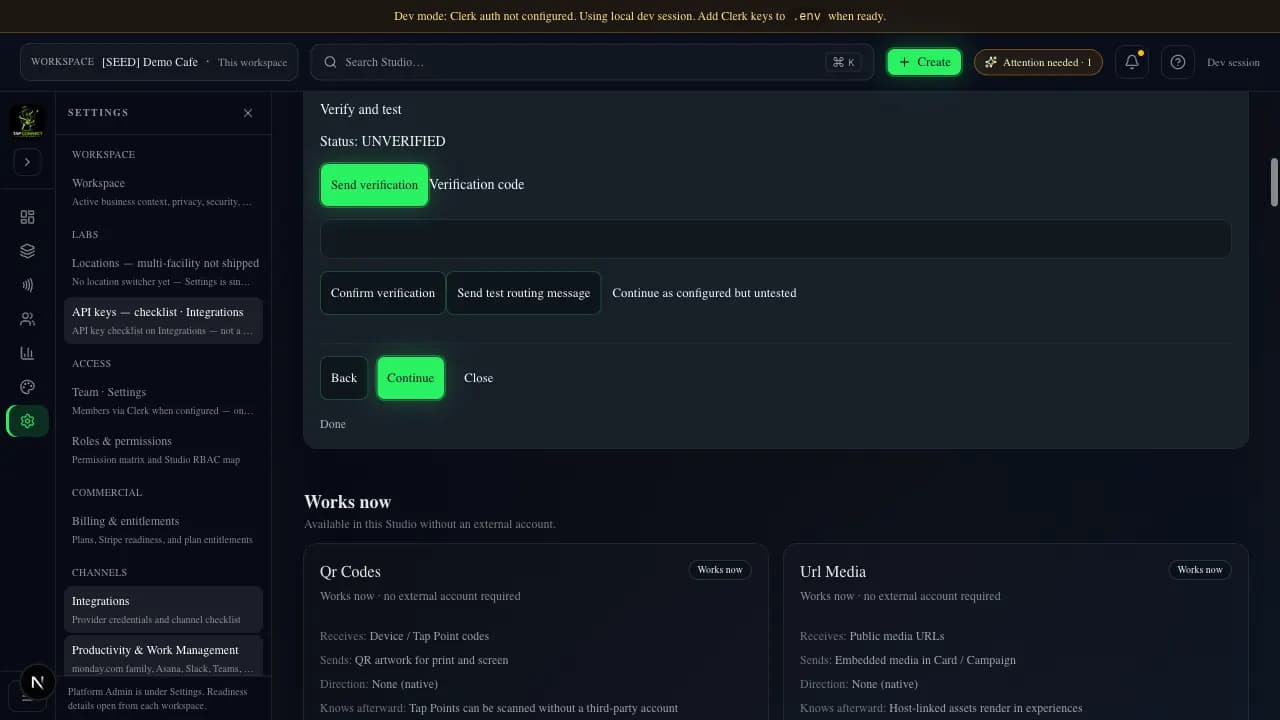
Autopilot
Autopilot prepares outcomes across Studio — organize, recommend, route, monitor, and stop/undo with approval where required.
Card support: It resolves into the next useful action for the Card relationship, not a separate robot product.
Benefit: Less setup friction and clearer decisions while you stay in control.
Prepared paths work locally. Live provider assistance needs credentials.
Explore Autopilot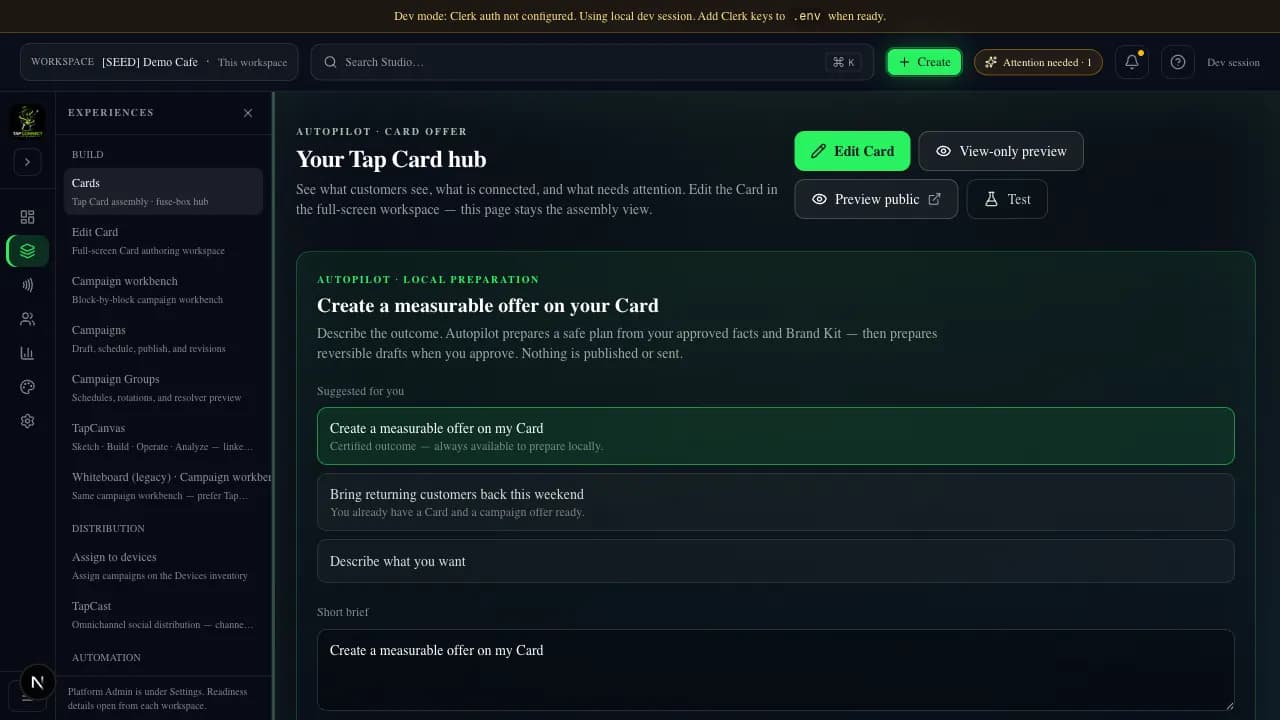
Integrations
Bridge enriched context to Monday, CRM, support, booking, and other tools — or let TapConnect handle the workflow.
Card support: Integrations extend outward from the Card. Customers are not forced to abandon working systems.
Benefit: TapConnect retains the evidence it owns while routing context into tools you already use.
Labeled Works now / after setup / local-or-test / planned. Unconfigured providers are not live.
Explore Integrations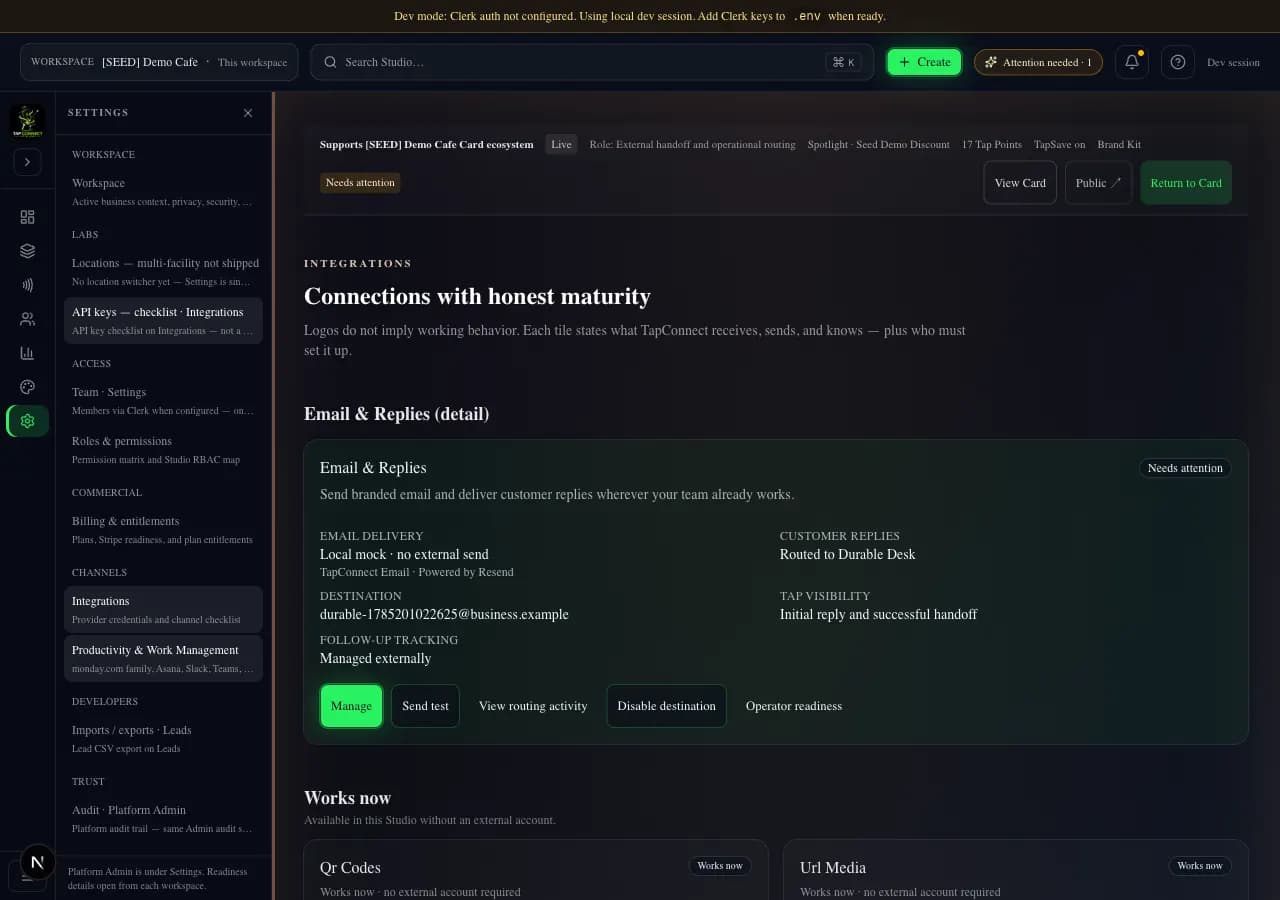
Insights
Insights and TapProof connect tap → action → relationship → handoff → conversion → evidence.
Card support: Proof shows what the Card accomplished with honest provenance labels.
Benefit: Operate from confirmed evidence instead of vanity metrics.
Insights core works now. Illustrative marketing metrics are labeled illustrative.
Explore Insights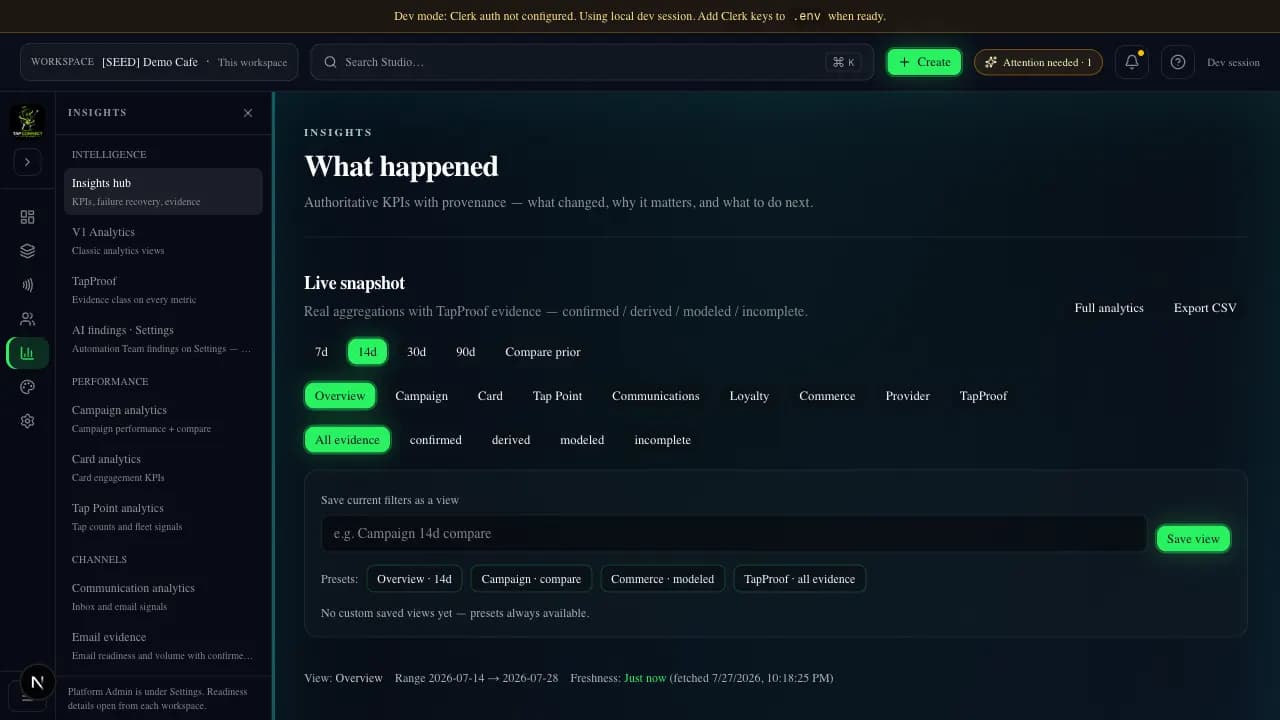
The Card remains the same relationship hub. Studio adds operating capabilities. Studio feature availability varies by plan. No customer must rebuild the Card when upgrading.
The broader operating system around the same Card. Feature availability varies by tier.
Choose a path on a published TapConnect offer Card. Stripe only collects payment when configured — never as the storefront. Capacity and prices remain Owner decisions.
Businesses that need a living Card customers can tap and return to.
A complete, useful Card with core supporting capabilities.
Capacity and allowance details — decided later.
Upgrade to Studio without rebuilding the Card.
Pricing shown at checkout — not finalized here.
Explore TapConnectTeams that need to operate the Card relationship day to day.
Broader operating capabilities around the same Card.
Studio allowances — decided later by plan research.
Same Card. Add operating capabilities as you grow.
Pricing shown at checkout — not finalized here.
Explore StudioGrowing multi-location or multi-campaign operations.
More capacity and operating depth around the same Card.
Growth capacity placeholders — not final.
Move from Studio without rebuilding the Card.
Pricing shown at checkout — not finalized here.
Choose this pathLarger operations that need broader Studio operating room.
Scale-oriented Studio path around the same Card.
Scale allowances — decided later.
Card relationship continuity preserved.
Pricing shown at checkout — not finalized here.
View plan optionsYou stay inside TapConnect from the first tap to onboarding. Payment is the only step delegated — to Stripe, when it is production-configured. Landing CTAs never send you straight to a payment provider.
01
Review the offer on a TapConnect-owned page — capabilities, terms, and billing choice.
02
In this environment, checkout runs as an honestly labeled local simulation — no real charge.
03
You return to TapConnect. The session is verified server-side; cancel keeps your context.
04
Confirmation leads into account claim and Studio Assembly reflecting your path.
Local checkout simulation — no live charges occur in this environment.
TapConnect may handle the workflow — or route enriched context to Monday, CRM, booking, support, automation, and other systems. Customers are not forced to abandon working tools. TapConnect retains only the evidence it truly owns.
Integration maturity is labeled honestly: Works now, Available after setup, Local or provider test, or Planned. Unconfigured providers are not presented as live.
Integration categories. Use the list to inspect maturity and data flow.
Tap sends: Enriched lead / relationship context from the Card
External returns: Board item status and assignee when connected
Direction: bidirectional
Tap knows afterward: Handoff evidence with provenance labels
Setup: Connect a monday.com account via OAuth in Studio Integrations.
Presence in this ribbon does not imply production readiness.
Available in this Studio without an external account.
Implemented locally — needs customer or operator credentials before production use.
Durable or wired for local proof — not production-configured.
Listed for honesty — not a working integration path yet.
TapConnect can provide the Card, TapInbox, routing, retention, and prepared assistance — so a lean team still runs a coherent customer relationship.
TapConnect creates and attributes the customer moment, then routes context into the existing workflow. Both paths are successful outcomes.
Autopilot reduces setup work across the platform — not only communications or complaints. It can prepare, recommend, organize, route, monitor, surface decisions, and stop or undo — with human approval where required.
TapConnect connects tap → customer action → relationship → handoff → conversion → evidence. Illustrative metrics on this page are labeled illustrative — not customer evidence.
Illustrative demo metrics — not live customer statistics.
Your relationship hub
The Card remains the relationship hub. Studio adds operating capabilities as you grow — availability varies by plan.

Sibling products with their own owned journeys — not TapConnect pricing tiers. Official Pet Finder and TapStay logos are not present in this repository, so product names are shown typographically rather than with invented marks.
Tap The Magic family
Help a lost pet find the way home.
A tap-ready pet profile with finder access, an owner contact path, and an appropriate privacy boundary — including multiple photos where the product already supports them.
Explore Pet FinderTap The Magic family
Give every guest the information they need, right when they need it.
A living guest experience for property information via link, QR, or tap — host-managed content with the features TapStay currently ships.
Explore TapStay